Showing posts with label pin. Show all posts
Showing posts with label pin. Show all posts
Sunday, October 23, 2016
How to Set PIN Lock on HTC One M8
How to Set PIN Lock on HTC One M8
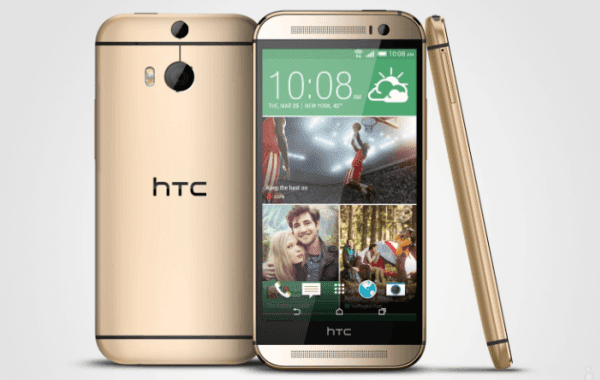
To set a PIN as the screen lock on HTC One M8 phone, you can follow the detailed steps below.
Step 1: Access Settings.
Step 2: Find and click Security.
Step 3: Locate and choose Screen lock.
Step 4: Select PIN as the screen lock.
Step 5: Enter at least 4 numbers to form the PIN and tap CONTINUE when done.
Step 6: Re-enter the PIN and click OK.
Related Articles:
- How to Set Password on HTC One M8
- How to Set Password on HTC One M7
- Android USB Drivers for HTC
- How to Get Back Deleted Text Messages on HTC Desire Android Phone
Available link for download

Subscribe to:
Posts (Atom)