Showing posts with label p601. Show all posts
Showing posts with label p601. Show all posts
Thursday, January 12, 2017
How to Set Password on Samsung Galaxy Note 10 1 P600 P601
How to Set Password on Samsung Galaxy Note 10 1 P600 P601
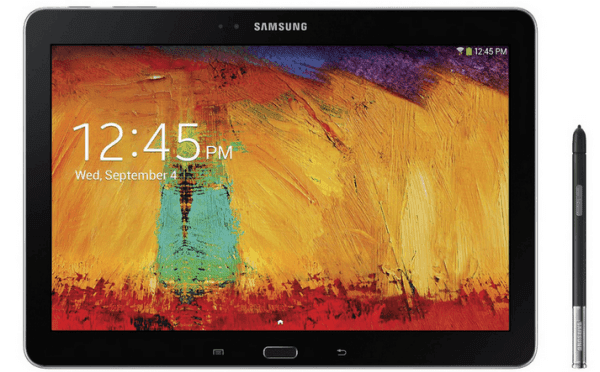
To set a password to secure your Samsung Galaxy Note 10.1 P600/P601, you can follow the steps below.
Step 1: Click the Apps icon on the bottom right corner.
Step 2: Select Settings in the Apps interface.
Step 3: Choose Device on the top left.
Step 4: Tap Lock screen and choose Screen lock in the sub menu.
Step 5: Select Password to move on.
Step 6: Input a password (at least 4 characters, including at least 1 letter), and click Continue.
Step 7: Type the password again and tap OK.
Related Articles:
How to Set Password on Samsung ATIV S GT-I8750
How to Set Password on Galaxy S4 GT-I9500/GT-I9508
How to Enable and Disable USB Debugging in Samsung GALAXY Tab2
How to Open USB Debugging in Samsung Galaxy S5
Android USB Drivers for Samsung
Available link for download

Subscribe to:
Posts (Atom)